Most golf course management software demos are polite. A trainer clicks through a clean tee sheet, rings a perfect sale, and shows a dashboard with green numbers. Then Saturday arrives, and your staff is still bouncing between the booking engine, the register, a membership program, and a spreadsheet named “Final_Final_Close.”
I am a PGA professional, and I founded Eagle Club Systems after more than 24 years in golf operations. This guide is how I would evaluate the software if I were in your job. It is not a replacement for our product page. It is the Saturday test every vendor should pass, including us.
Picture a Saturday morning when the first tee is already full and a member walks from the shop to the grill. The green fee is on one system, the breakfast tab is on another, and the pro shop has to call the restaurant to ask whether the charge posted. By the time the member is ready to leave, staff are trying to combine two tickets by hand.
The job of golf course management software is not a feature list
Golf is not retail with a lawn attached. A booking changes pace of play and food forecasts. A membership rule changes what the shop can charge. A rain delay changes the tee sheet, the rain checks, and labor at the same time. If your systems treat those as separate products, your people spend the day copying information from one screen to another.
Good golf course management software has one job: keep the operation on one set of facts. Tee sheet, online booking, POS, food and beverage, inventory, membership billing, payments, CRM, and reporting should share customer data. If a sales representative says the products are “connected,” ask when that connection actually happens: right now, or overnight?
Walk the day: from the first online booking to the final close
The fairest way to compare platforms is to walk a real day, in order.
Tee sheet and online booking
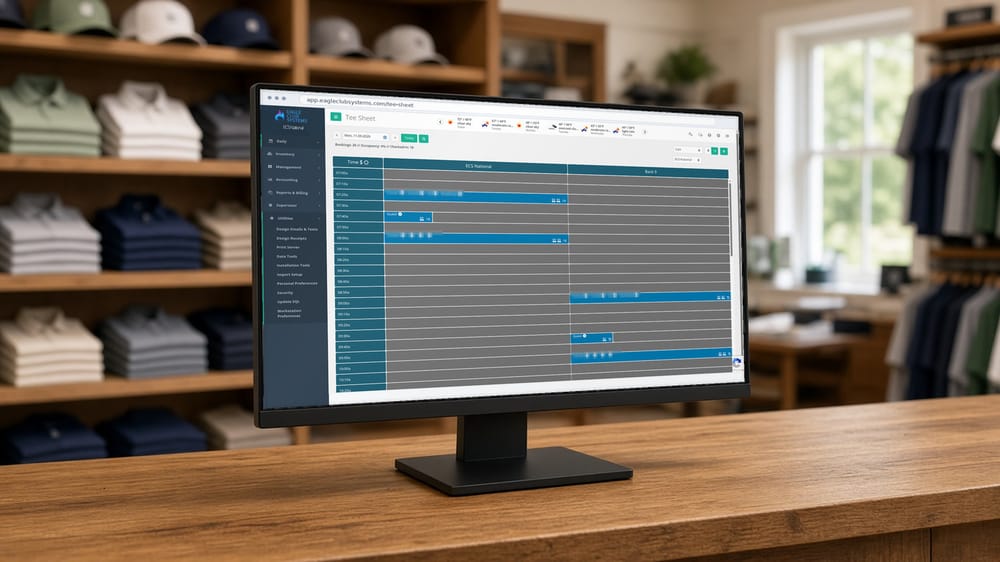
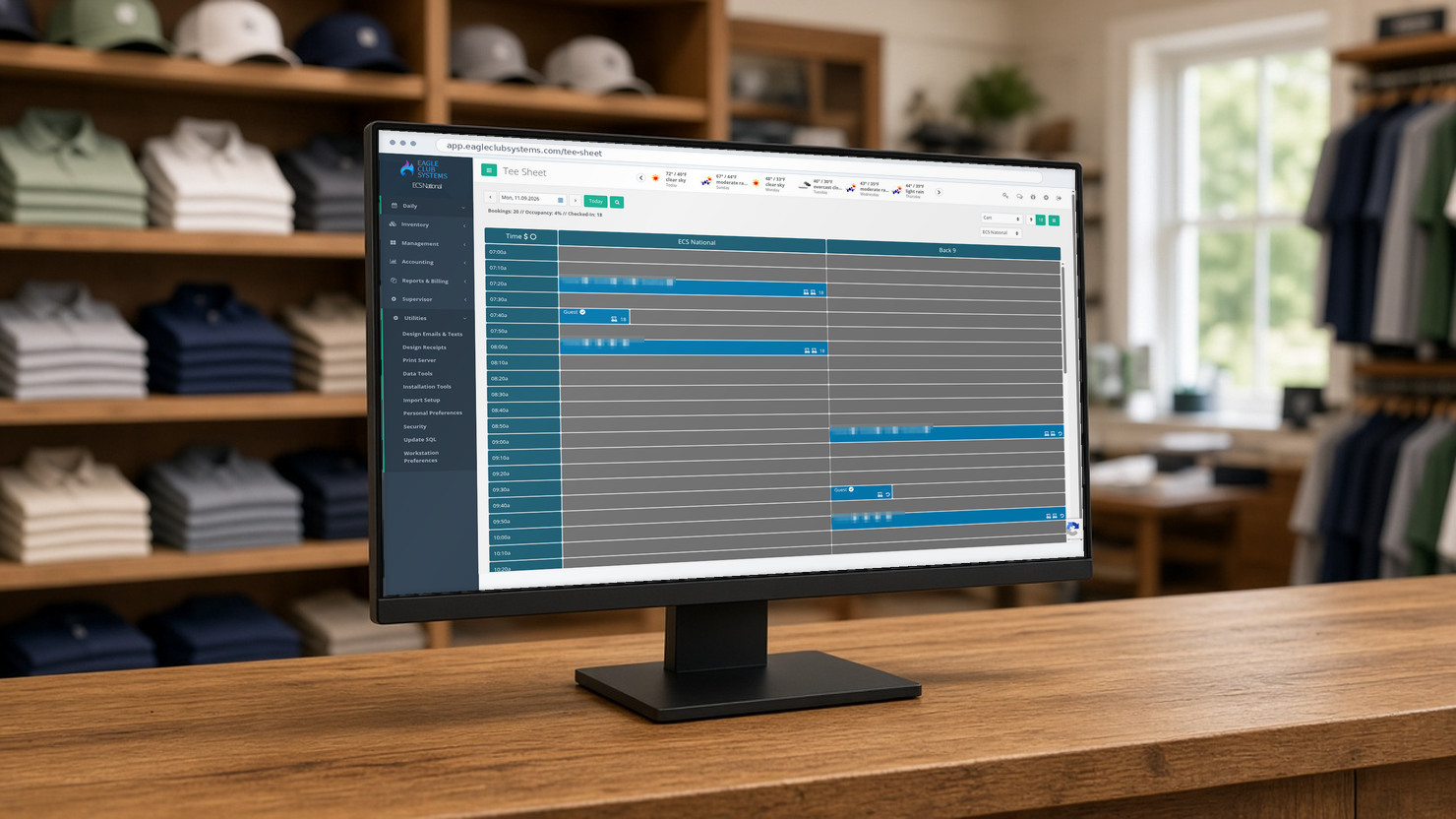
Start the night before. A golfer books on your website or from a phone. That reservation has to land on the live tee sheet with the right rate, player type, and payment rule — prepaid or pay at the course. If the online engine and the shop sheet can disagree, you will double-book or argue about a rate at the counter. Ask how booking rules and sunrise or sunset times are set, whether golfers can book from Google as well as your site, and how you see abandoned bookings, not just completed ones.
Thorn Apple Country Club had spent decades on a paper tee sheet and a basic cash register. After they moved to Eagle Club Systems and watched booking behavior in Google Analytics 4, credit-card-hold abandonment fell from about 25% to about 15% after the policy was introduced, and online booking grew from virtually zero to 20%, then 40%, and eventually became the way a majority of rounds were booked. That is not a promise your course will see the same result. It is proof that the booking engine, the tee sheet, and the measurement have to live together.
Check-in and the golf shop
In the morning, staff should check in a booked group without retyping names, add a walk-up to an open time, and ring green fees, carts, and a shop item on the golf course POS from the same customer record. Split tenders, gift cards, rain checks, and member charges are not edge cases. They are Saturday. If the cashier has to leave the tee sheet, open a second register, and hope the member number is right, the line will form before the first cart leaves the barn.
Food and beverage
The grill, bar, snack bar, and beverage cart should be able to open a tab or charge a member without creating a second customer. Kitchen tickets, tips, taxes, and service charges have to flow into the same account the shop just used.
Memberships, charges, and billing
If you have members or frequent-player plans, the software has to know who can charge, who has a minimum, and who is on a linked account. Recurring dues, statements, and online payments belong in the same platform as play and POS, not in a side tool the bookkeeper updates twice a month. Our membership billing is built that way: one profile, one plan, one statement.
Payments and the daily close
Cards at the counter, cards on the course, online payments, and ACH for dues should all be reconcilable. In Eagle Club Systems, CardPointe is available as an integrated processor and Clover Flex is supported for mobile payments, but we do not require every course to use CardPointe. Get the processing arrangement and the close procedure in writing.
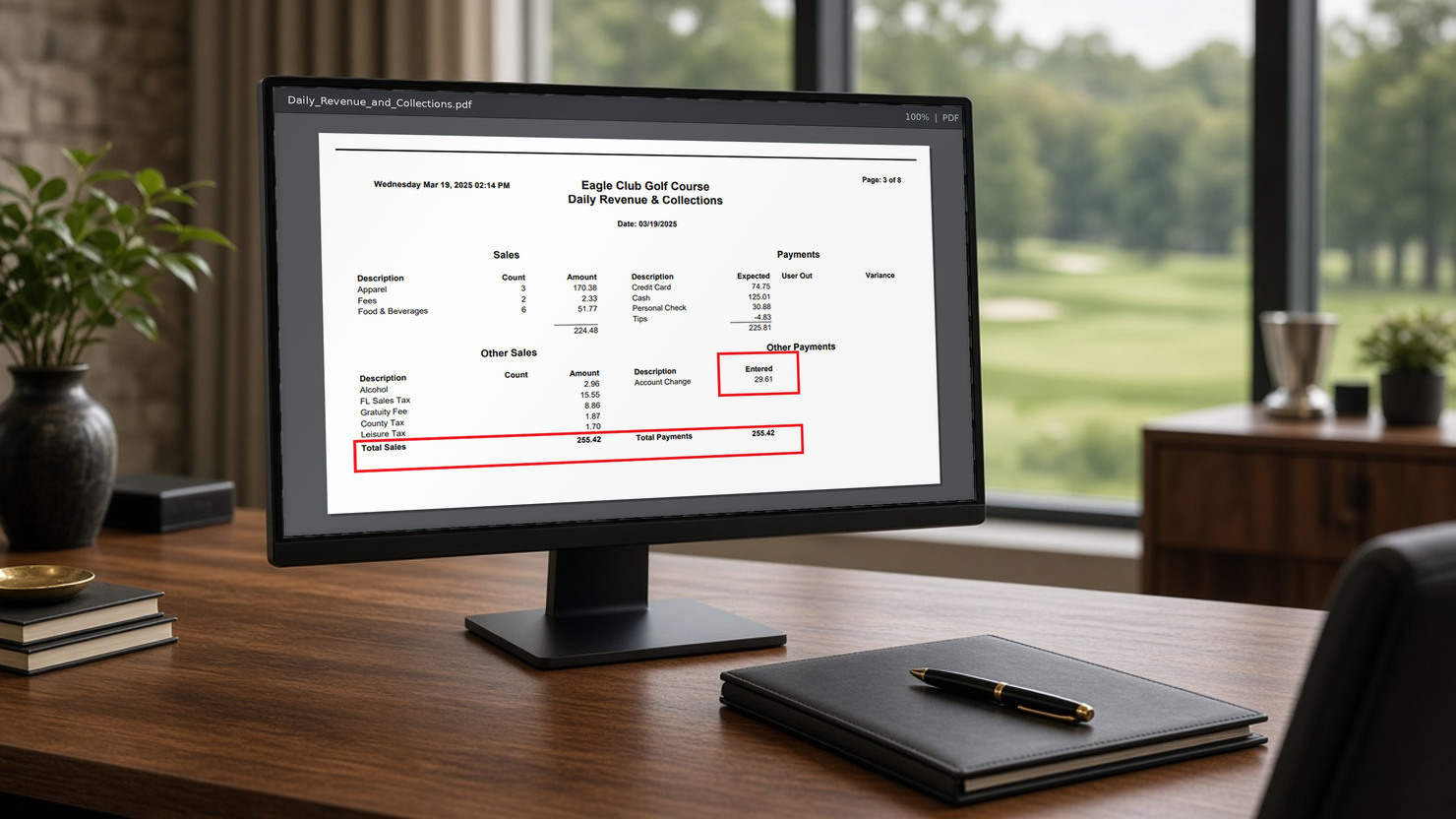
Then watch the end of the day. A close that takes a spreadsheet and the one employee who “knows how we do it” is a risk. You want payment, tax, gratuity, and Z-out reports that a manager can run even when that employee is off.
Reporting you can trust on Monday
Ownership does not want a pretty dashboard. They want rounds, utilization, shop margin, food and beverage, and outstanding accounts, and they want those numbers to match the bank. Golf course reporting should be live, exportable, and good enough to send into QuickBooks Online, QuickBooks Desktop, or Sage 50 without a cleanup project. If two departments can show two different revenue totals for the same day, you do not have a reporting problem. You have a software problem.
A buying checklist for golf course management software
Use this list in every demo. Score each item pass, fail, or workaround.
- One customer record for a tee time, shop sale, F&B tab, and member charge, on one statement.
- One live tee sheet that phone, walk-up, website, and Google bookings all write to in real time.
- Rates and rules you control, including player type, member or resident pricing, prepaid versus pay-at-course, and rain checks, without a ticket to the vendor.
- A golf POS, not a generic register, that can split tenders, open tabs, take gift cards and house accounts, and decrement inventory on the same ticket as the green fee.
- Payments you can explain: the effective cost, the hardware, and which report the deposit will match.
- Membership billing — dues, statements, minimums, linked accounts, and online payment — in the same system.
- Reporting a controller will sign, with rounds, revenue, tax, gratuity, inventory, and receivables exported without rebuilding them in Excel.
- Hardware flexibility. Eagle Club Systems works in Chrome, Safari, Edge, or Firefox on common Windows or Mac desktops, laptops, and tablets.
- A clear internet plan. We are cloud-based and cannot run fully offline. A hotspot or LTE backup is the honest answer. Make every vendor show you what happens when the primary connection fails.
- Implementation with a date. We include implementation and data conversion at no charge, and we say most courses go live in under two weeks after the data is provided. Get that in writing.
- Support with real hours. Ours is U.S.-based, seven days a week, typically 6 a.m. to 10 p.m. We do not claim 24/7.
- Contract terms you can live with. We state there are no long-term contracts. Confirm that in the proposal, from us and from anyone you compare.
How to compare platforms without getting lost in the demo
Do not start with a 50-row feature matrix. Start with the Saturday walkthrough above. Then, if you are already looking at a specific competitor, use a focused comparison and verify the same workflows in both demos: vs Club Caddie, vs Club Prophet, and vs Jonas. A comparison page is a starting point, not a substitute for clicking through check-in, a split tender, a member statement, and a close on the exact products in your quote.
What I would not compromise on
I would not buy golf course management software that splits the customer into two accounts, hides processing costs until after the contract, or needs a specialist on your staff to produce a daily report. I also would not ignore the limits of a platform, including ours.
Eagle Club Systems does not include a native online store. Tournaments and leagues are handled through Golf Outing Guru and Golf League Guru alongside the tee sheet, not as a built-in event-registration module. We need an internet connection. Those are real trade-offs, and you should require the same honesty from every other vendor. If the system can run Saturday without heroics, marketing and reporting get easier because the data was right when it was entered. If it cannot, no amount of email automation will fix the counter.
When you are ready, book a demo and bring your rate sheet, a recent payment statement, and the reports you close with. You can also start with our FAQ, or call +1 727-433-8707.
FAQ
What is golf course management software?
Golf course management software is the system a facility uses to run tee times, point of sale, memberships, payments, and reporting — and, in a complete platform, food and beverage, inventory, and marketing as well. The test is whether those parts share one customer record, not whether each module exists as a separate product.
What should I look for in golf course management software?
Look for a live tee sheet connected to online booking, a golf POS that can handle split tenders and member charges, food and beverage on the same account, membership billing, payments you can reconcile, and reports a controller will trust. Then test those workflows in a demo.
How is golf course management software different from tee sheet software alone?
Tee sheet software manages reservations, rates, and check-in. That is necessary, but it is not enough if the shop, the restaurant, and billing live somewhere else. Eagle Club Systems includes tee sheet software inside a broader management platform so booking, POS, and memberships stay in sync.
How much does golf course management software cost?
It depends on the facility, the modules, and the payment arrangement. Eagle Club Systems does not publish a self-serve pricing table. We include implementation and data conversion at no charge, and we state that there are no long-term contracts. Ask for a written proposal in a demo, and do not treat a third-party directory as an official price.
How long does it take to switch golf course management software?
Plans vary by vendor and by how quickly you can provide data. Eagle Club Systems says most courses go live in under two weeks after data is provided. Get a written conversion and training plan before you sign.
Can I compare Eagle Club Systems with Club Caddie, Club Prophet, or Jonas?
Yes. Start with the Saturday checklist in this article, then read our side-by-side pages. Require both companies to demonstrate the same check-in, POS, billing, and close workflows on the products in your proposal.