
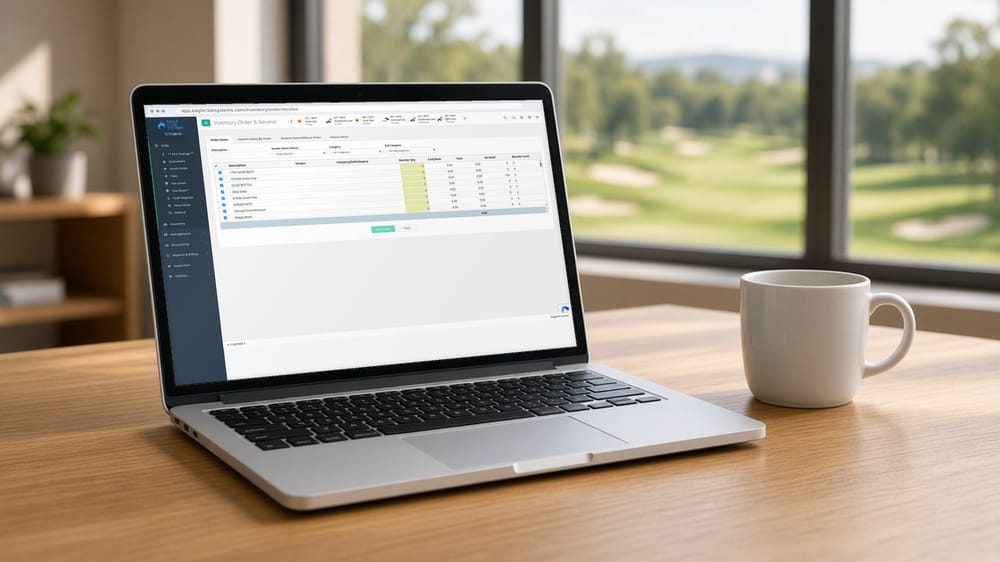
Every golf professional knows the feeling of walking into the shop on a Saturday morning and finding the peg for medium-left gloves empty while two boxes of special-order shoes nobody picked up are collecting dust in the corner.
Over more than 24 years in golf operations, I have seen the same pattern at public courses, private clubs, and busy municipal facilities. Inventory does not usually go sideways because staff do not care. It goes sideways because receiving gets skipped during a rush, sizes and variants are entered inconsistently, or pro shop retail and food and beverage live in separate systems that never agree on what actually sold.
Our golf inventory management page covers the module overview. This guide is the operational playbook — how to set up products, handle purchase orders and receiving, run quick cycle counts, and connect both shop and F&B sales so your margin numbers are trustworthy at month-end.
Here is a common scene in a golf shop at the end of a season. A popular glove size has been selling steadily at the counter, but the back-room count and the register never quite agreed, so the shop either reorders late or finds a stack of unsold neighboring sizes when it is time to mark them down. Beverages behind the counter tell the same story: sold all day, counted only now and then, and the missing units show up when it is too late to change a habit.
Why generic retail inventory misses how golf courses work
A standard retail store sells SKUs off a shelf and goes home. A golf facility runs three or four inventory worlds under one roof:
- Sized and seasonal soft goods. Polos, outerwear, footwear, and gloves need size matrices, color variants, and vendor season tracking — not five separate manual items for S, M, L, XL, and XXL.
- High-velocity consumables. Golf balls, tees, grips, range tokens, and packaged snacks turn every day and get rung up fast while a line is waiting to check in for a tee time.
- Logo and special-order items. Club-crested merchandise, member prize credit redemptions, and outing giveaways distort your counts if credit/comp redemptions are not tied to the same SKU.
- Food, beverage, and beverage cart stock. Cases of beer, Gatorade, hot dogs, and patio bar items move between the kitchen, snack bar, and course carts. If food and beverage POS and inventory do not share the same database as the shop, managers end up guessing at COGS.
When inventory lives in a spreadsheet — or in a separate retail register that syncs to accounting once a day — the cashier hits a generic “Misc Merchandise” button when a barcode will not scan. Once that starts happening in May, your on-hand counts are fiction by July.
Build your catalog structure before the first shipment arrives
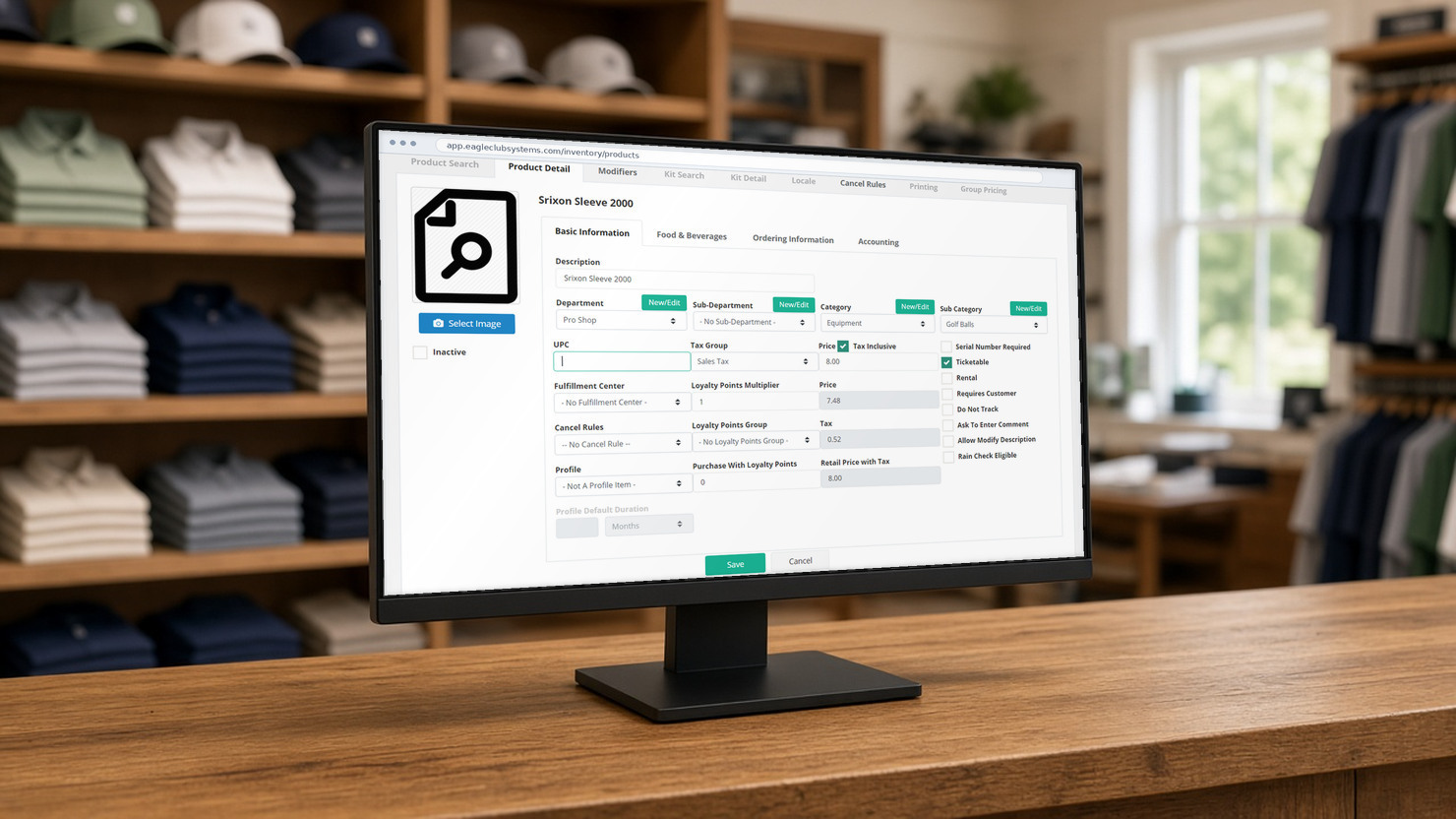
Clean inventory reporting starts with how you organize products, departments, and vendors. Keep the structure tight enough that a new seasonal employee can find or scan an item in two seconds, yet detailed enough for margin analysis.
- Separate clear departments. At minimum, keep pro shop categories (Apparel, Footwear, Gloves, Golf Balls, Clubs/Hard Goods, Accessories) distinct from F&B categories (Draft/Bar, Canned/Grab-and-Go, Grill/Kitchen, Beverage Cart).
- Use barcodes and size fields properly. In Eagle Club Systems, inventory supports barcodes and different sizes on the same product structure. Scan manufacturer UPCs wherever they exist, and print shelf or hang-tag barcodes for logo gear so staff never guess at a SKU.
- Tie every SKU to a primary vendor and cost. If cost is missing when an item is created, your sales total looks fine at the counter, but your gross margin report is useless when ownership asks what actually made money.
- Keep “miscellaneous” buttons locked down. Do not give cashiers an uncategorized open-price button for regular inventory. Every time someone rings a $4 sleeve of balls as “Misc,” on-hand count stays wrong until the next physical count.
The purchasing and receiving habit that stops most drift
Most inventory errors happen at the back door, not the cash register. When boxes arrive on a busy Thursday afternoon and staff put shirts straight on the rack without receiving the shipment in software, the register starts selling negative inventory.
A reliable receiving workflow takes four steps:
- Create the purchase order inside the same platform. When you order from Titleist, FootJoy, or your beverage distributor, enter the PO in the system so expected quantities and unit costs are already waiting.
- Receive against the PO when boxes open. Check off actual quantities received, note backorders, and verify any unit-cost changes from the invoice before putting merchandise on the floor.
- Print or verify tags at receiving time. Make sure every garment and sleeve scans cleanly before it reaches a hanger or shelf.
- Update on-hand counts immediately. With real-time inventory connected to your golf course POS system, receiving adds stock instantly and every sale deducts it right away — no overnight batch sync required.
Run 15-minute weekly cycle counts instead of one painful year-end count
Waiting until November to count the whole golf shop means you find out about missing stock or dead merchandise six months too late to fix it.
Instead, break inventory counts into short weekly cycle counts:
- Week 1: Golf balls and gloves (highest turn, easiest to mis-ring by sleeve vs. dozen or left vs. right).
- Week 2: Packaged beverages, grab-and-go snacks, and beverage-cart restocks.
- Week 3: Footwear and headwear (size-curve gaps show up fast here).
- Week 4: Apparel and hard goods / high-ticket items.
Each count takes 15 to 20 minutes during a quiet weekday afternoon. You spot low-stock items before you run out on the weekend, catch receiving mistakes while the packing slip is still on the desk, and keep your year-end physical count uneventful.
Multi-course and F&B considerations
If you manage more than one facility, check how your software handles multi-course inventory before you commit. In Eagle Club Systems, multi-course operators (MCOs) can either share inventory across properties or keep each course’s inventory separate, depending on whether you run centralized purchasing or separate shop budgets.
On the F&B side, connect your restaurant, bar, snack bar, and beverage cart sales to the same customer and reporting database. Even when kitchen recipes are tracked at the item or category level rather than down to every garnish, tying packaged drinks, beer, and prepared menu sales to the same golf course reporting system gives management one picture of golf, retail, and F&B together.
Note on online pro shop sales
Be clear on scope when evaluating software: Eagle Club Systems does not include a native e-commerce storefront or online merchandise catalog. Gift cards, memberships, and similar items can be sold online through integrated credit card processing, while physical shop merchandise and F&B are sold and tracked in-person through the connected POS and inventory modules. If full online apparel shipping is a must-have for your club, ask upfront how any vendor handles web-to-shop inventory sync before you sign.
What to bring to an inventory demo
Do not just watch a salesperson ring up one golf ball and show an inventory count drop by one. Bring real paperwork and test:
- Creating a purchase order for one apparel item with multiple sizes.
- Receiving a partial shipment against that PO and updating cost.
- Scanning a barcode at the POS alongside a tee-time check-in from the tee sheet.
- Processing a return or exchange for a different size and checking on-hand counts.
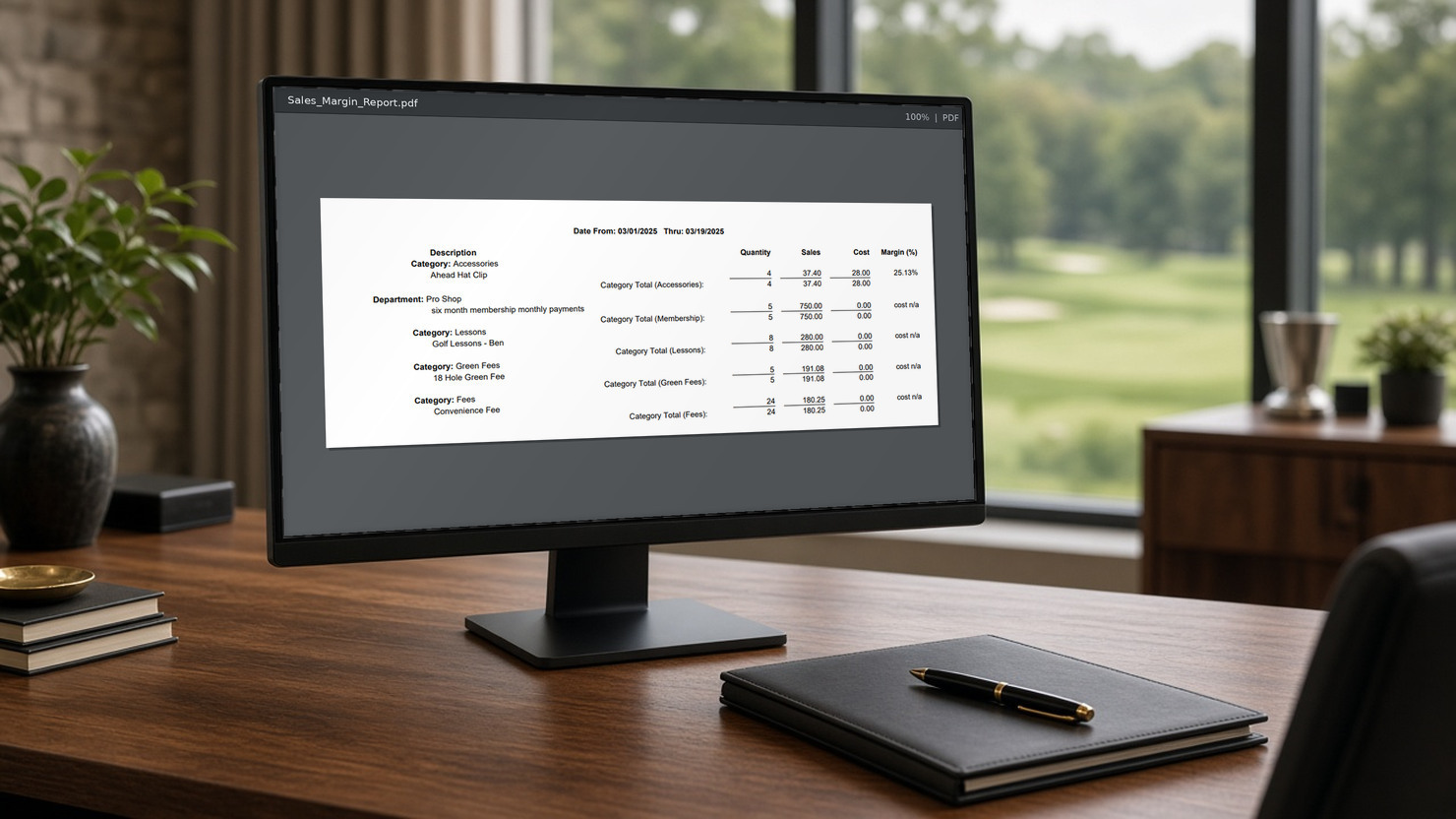
- Viewing a low-stock report and a cost-and-margin report by department and vendor.
- Exporting those numbers for your bookkeeper (QuickBooks Online, QuickBooks Desktop, Sage 50, or CSV/PDF export).
Bring a sample vendor list, a recent PO, and your weekly buyer report to an Eagle Club Systems demo, or call +1 727-433-8707, and we will walk through those exact steps with your items.
FAQ
Does Eagle Club Systems include golf inventory management software?
Yes. Eagle Club Systems includes real-time inventory tracking, product, department, and vendor management, purchase orders and receiving, low-stock visibility, inventory counts, and cost, margin, and sales analysis inside the same platform as the POS and tee sheet.
Does POS activity update inventory counts in real time?
Eagle Club Systems lists real-time inventory tracking as part of the connected POS and inventory system, so sales and receiving update in the same database. Confirm the exact workflow for your item types and modifiers during a demo.
Does inventory cover both the golf shop and food and beverage?
Yes. Inventory tracking, purchase orders, receiving, and margin/sales reporting cover both pro shop retail and food and beverage operations.
Does Eagle Club Systems support barcodes and clothing sizes?
Yes. Inventory supports barcode scanning and multiple sizes, so apparel, footwear, and gloves stay organized without clunky manual workarounds.
Can multi-course operators share inventory across properties?
Yes. Multi-course operators can share inventory across facilities or keep each golf course’s inventory separate based on how purchasing and accounting are structured.
Does Eagle Club Systems include an online merchandise store?
No. Eagle Club Systems does not include a native online store or e-commerce catalog. Gift cards and memberships can be sold online through integrated payment processing, while merchandise and F&B inventory are managed at the facility through the POS.